
1.2 Logging In and Roles
Completion requirements
1.2 Logging In and Roles
In this lesson: you will be able to log in and understand what your role lets you do.
Getting in
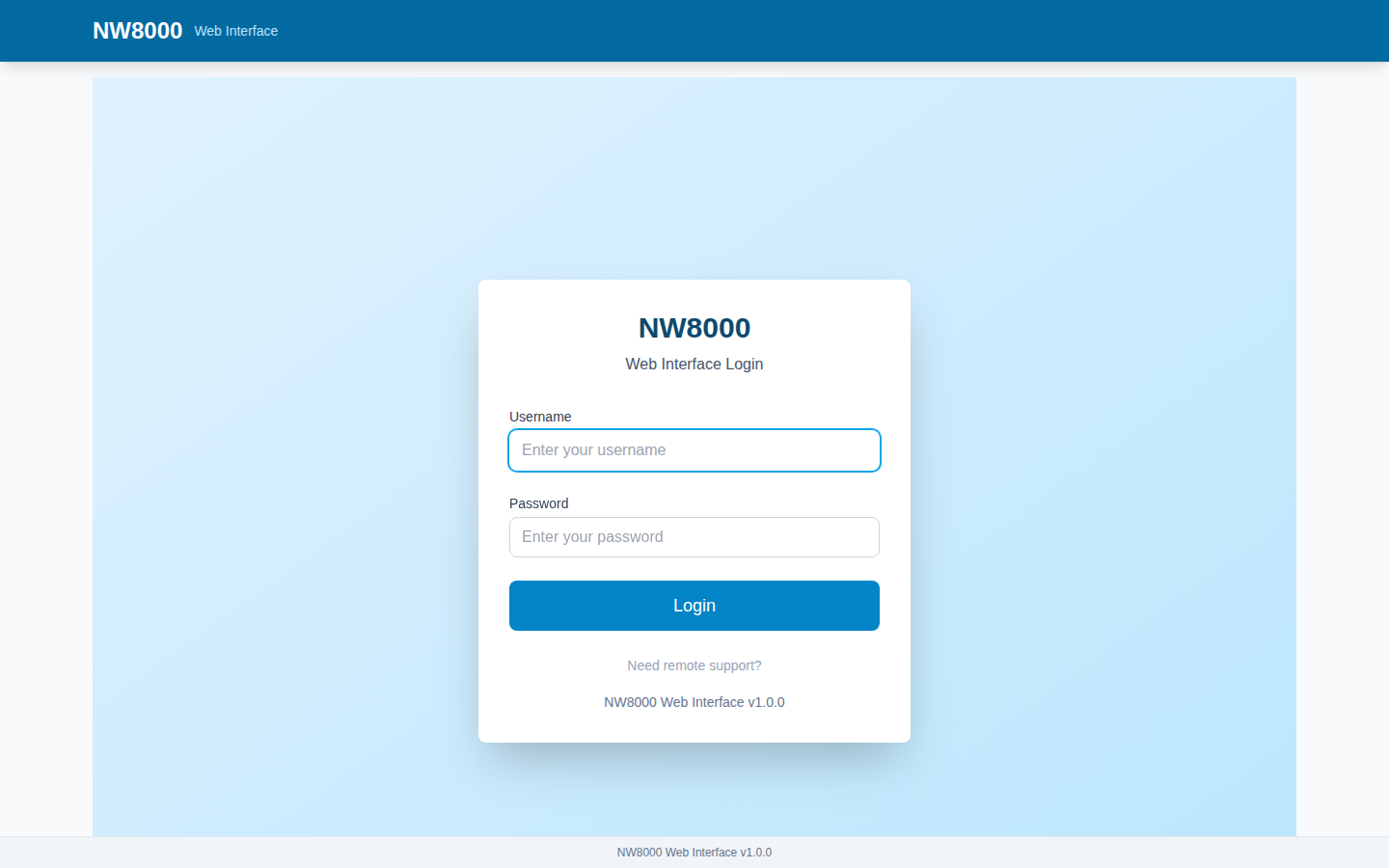
To reach the NW8000, open its IP address in any web browser. You will get a login screen. Enter your username and password. On a brand-new device the default is admin / admin — but you should always be given your own account.
What your role lets you do
What you can do depends on your role:
- A Viewer can see everything but change nothing — read-only.
- An Operator can do everything a Viewer can, plus adjust setpoints and place overrides — that is the role most day-to-day users have.
- Higher roles, Technician and Admin, add programming and full system control, and you will usually leave those to your integrator.
If a button is greyed out or missing, that is almost always your role — it means the action is above your permission level, by design. Ask an administrator if you need more access.
Once you are logged in, you land on the Dashboard — the subject of the next lesson.
Key points
- Log in by opening the gateway's IP address in a browser; use your own account, not the factory
admin / admindefault. - Viewer = read-only; Operator adds setpoints and overrides; Technician and Admin add programming and full control.
- A greyed-out or missing button almost always means your role does not permit that action.
Check your understanding
- What can a Viewer do that an Operator can also do — and what can the Operator do in addition?
- A button you need is greyed out. What is the most likely reason?
Last modified: Friday, 4 September 2026, 7:59 AM